


Description
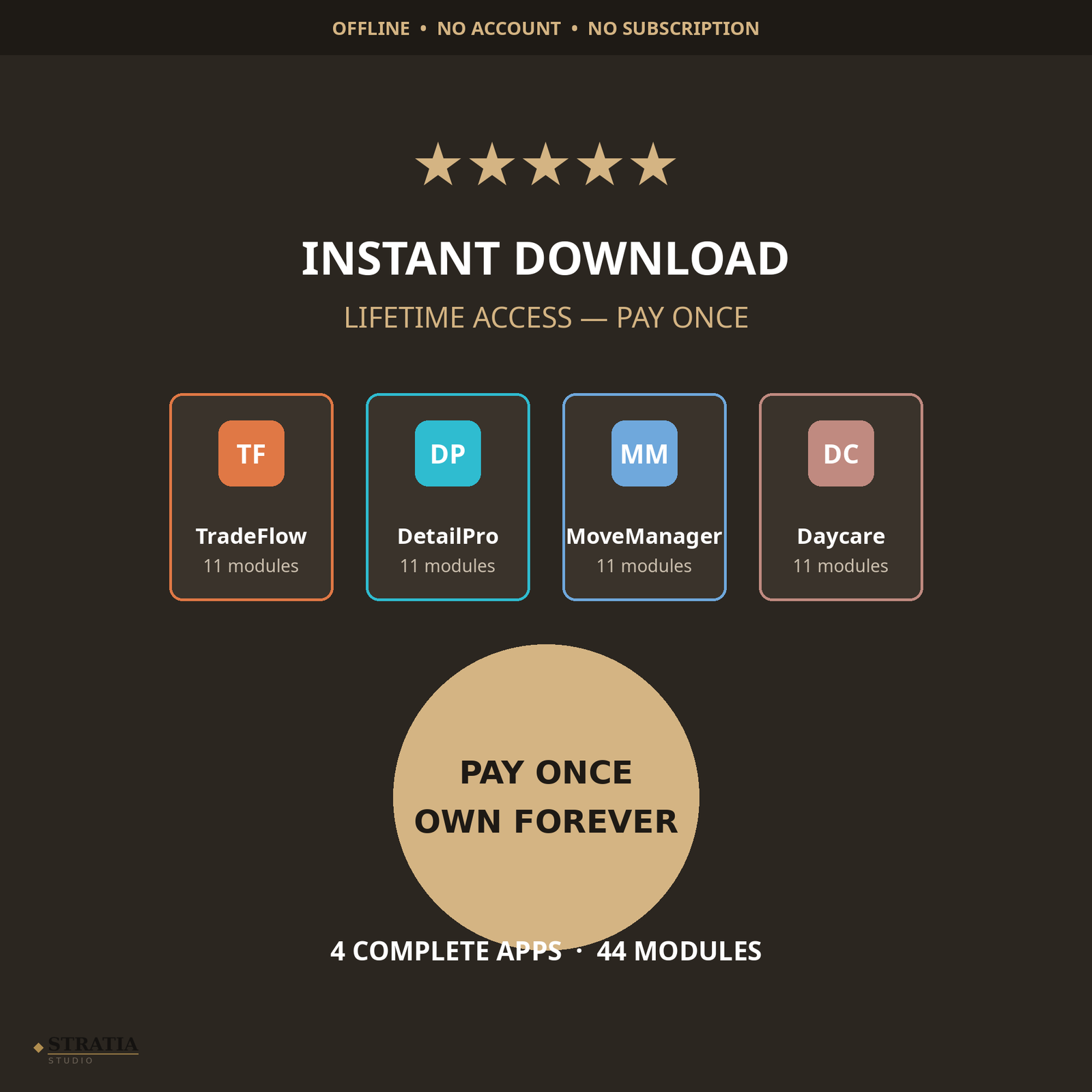
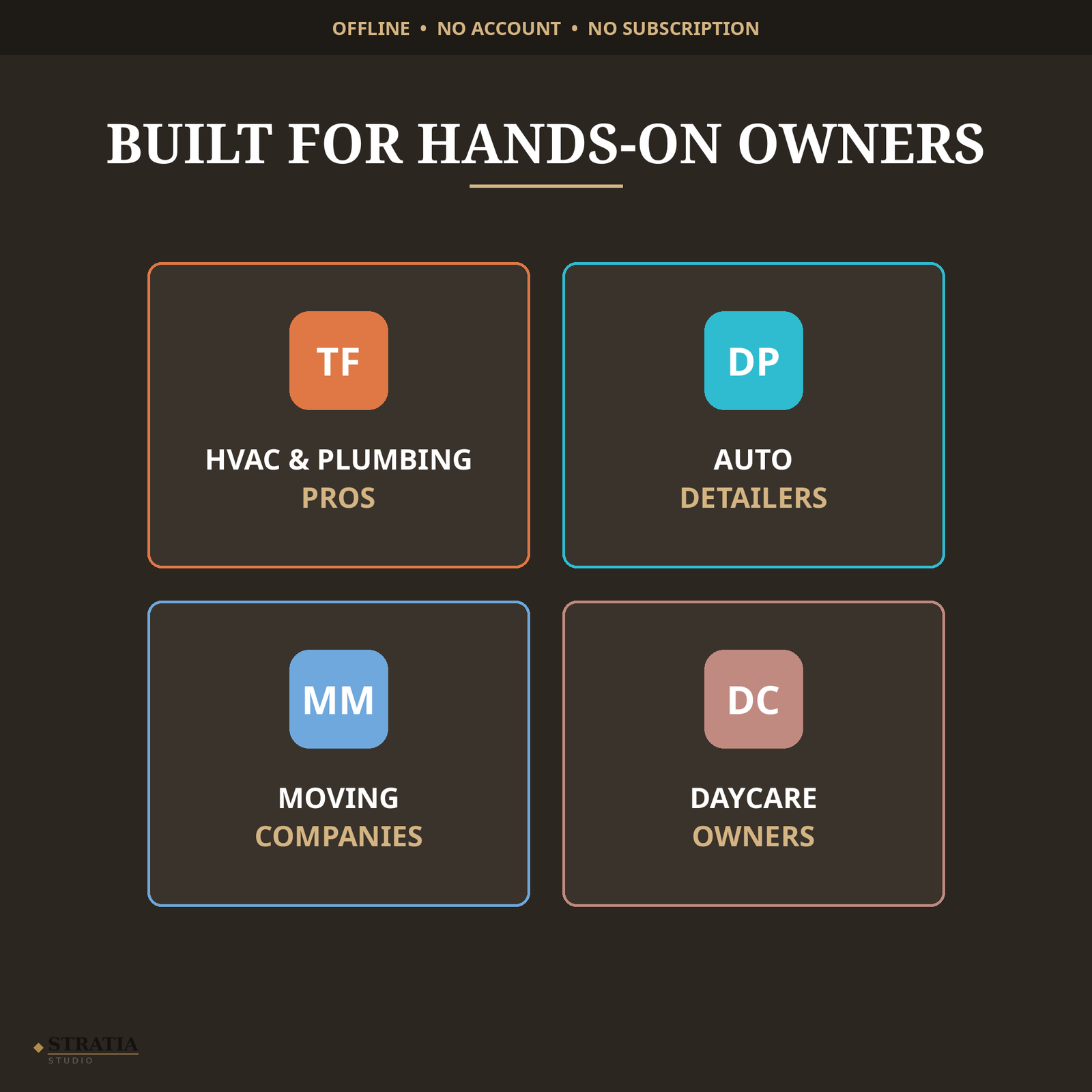
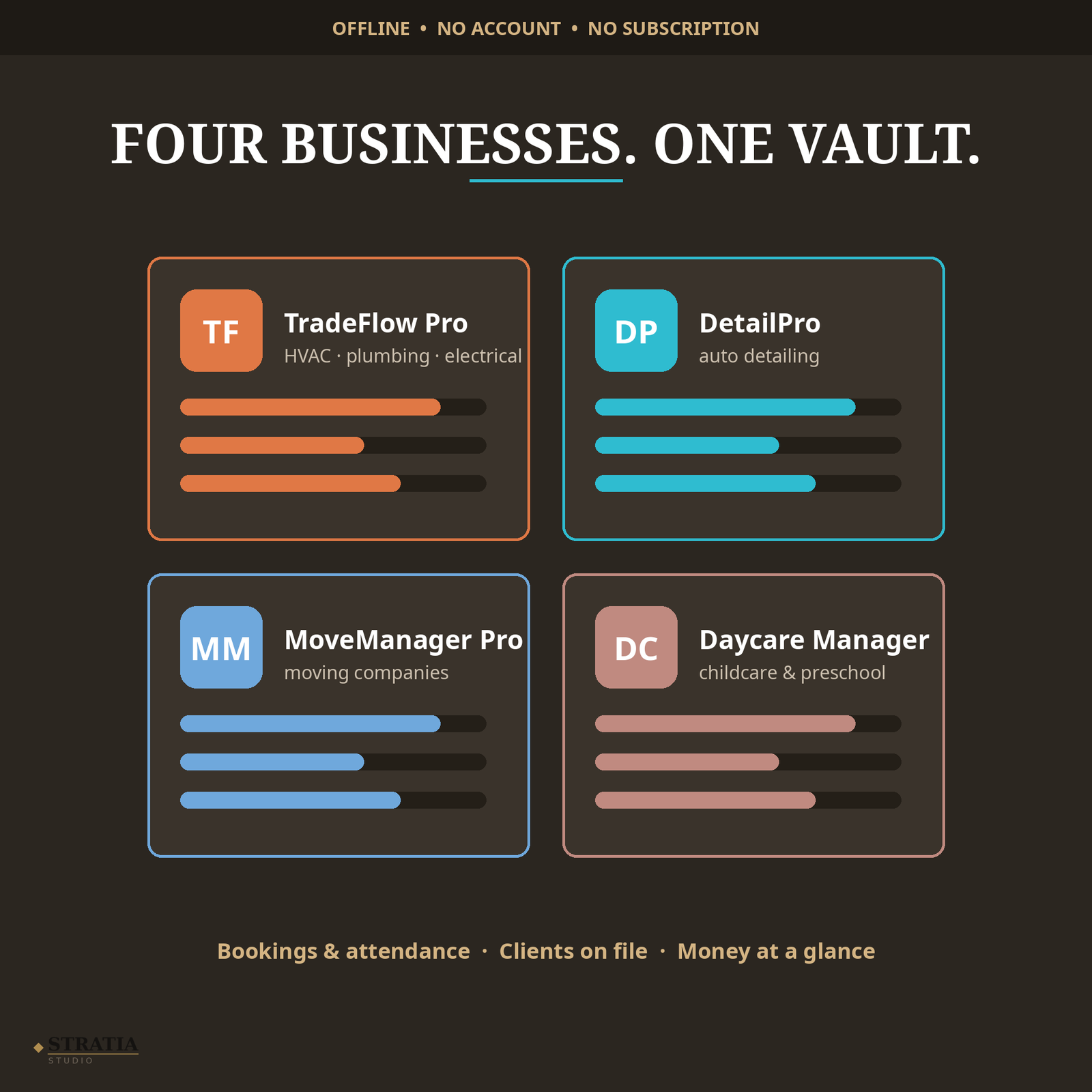
Running a service business means juggling jobs, clients, invoices, and schedules — usually across paper notes and scattered spreadsheets. The Home Services Mega Vault gives you four complete management apps in one download: TradeFlow Pro for HVAC, plumbing and electrical contractors, DetailPro for auto detailers, MoveManager Pro for moving companies, and Daycare Manager Pro for daycares and childminders. Each app runs entirely offline in your web browser, with no accounts, no internet connection, and no monthly fees — your business data stays on your own device.
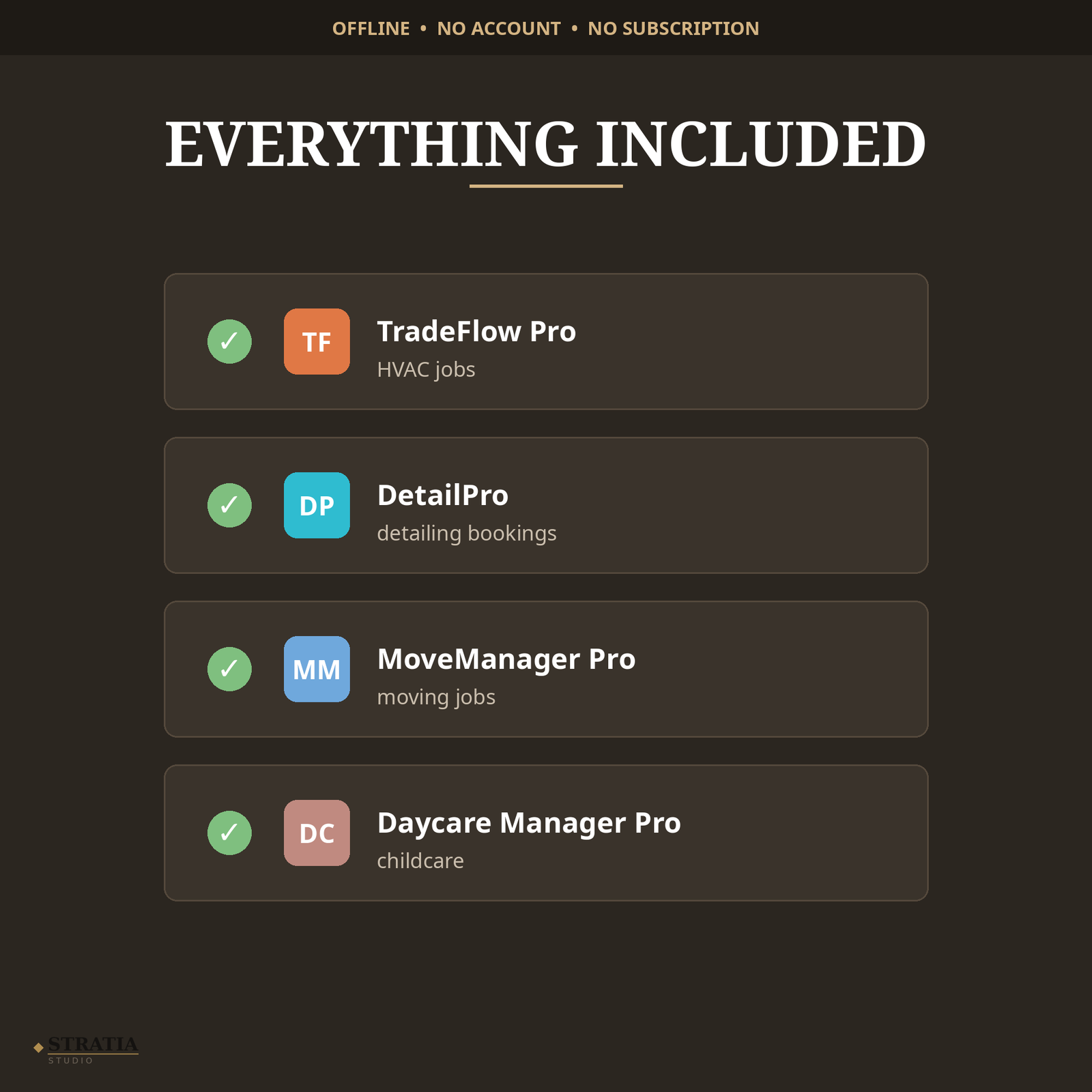
WHAT’S INCLUDED (4 apps, single HTML files):
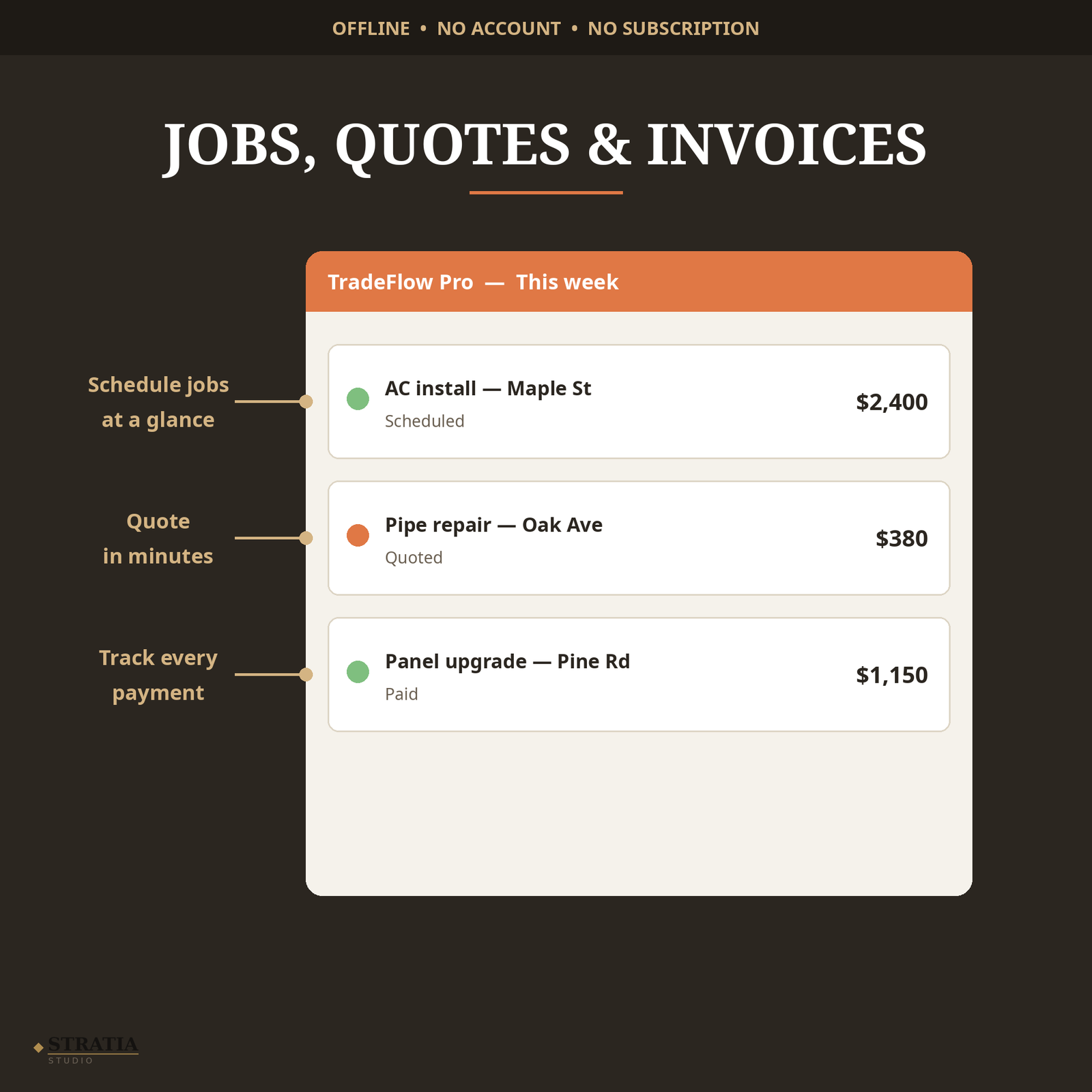
• TradeFlow Pro — job scheduling, quotes, invoices, client records and payment tracking for HVAC, plumbing & electrical contractors
• DetailPro — service bookings, detailing packages, vehicle/client records and revenue tracking for auto detailers
• MoveManager Pro — move quotes, crew scheduling, customer details and job tracking for moving companies
• Daycare Manager Pro — child profiles, attendance, payment tracking and daily reports for daycares & childminders
• Bonus: vault launcher menu page that opens all four apps from one screen
• Plain-English setup guide (README) — open in minutes, no tech skills needed
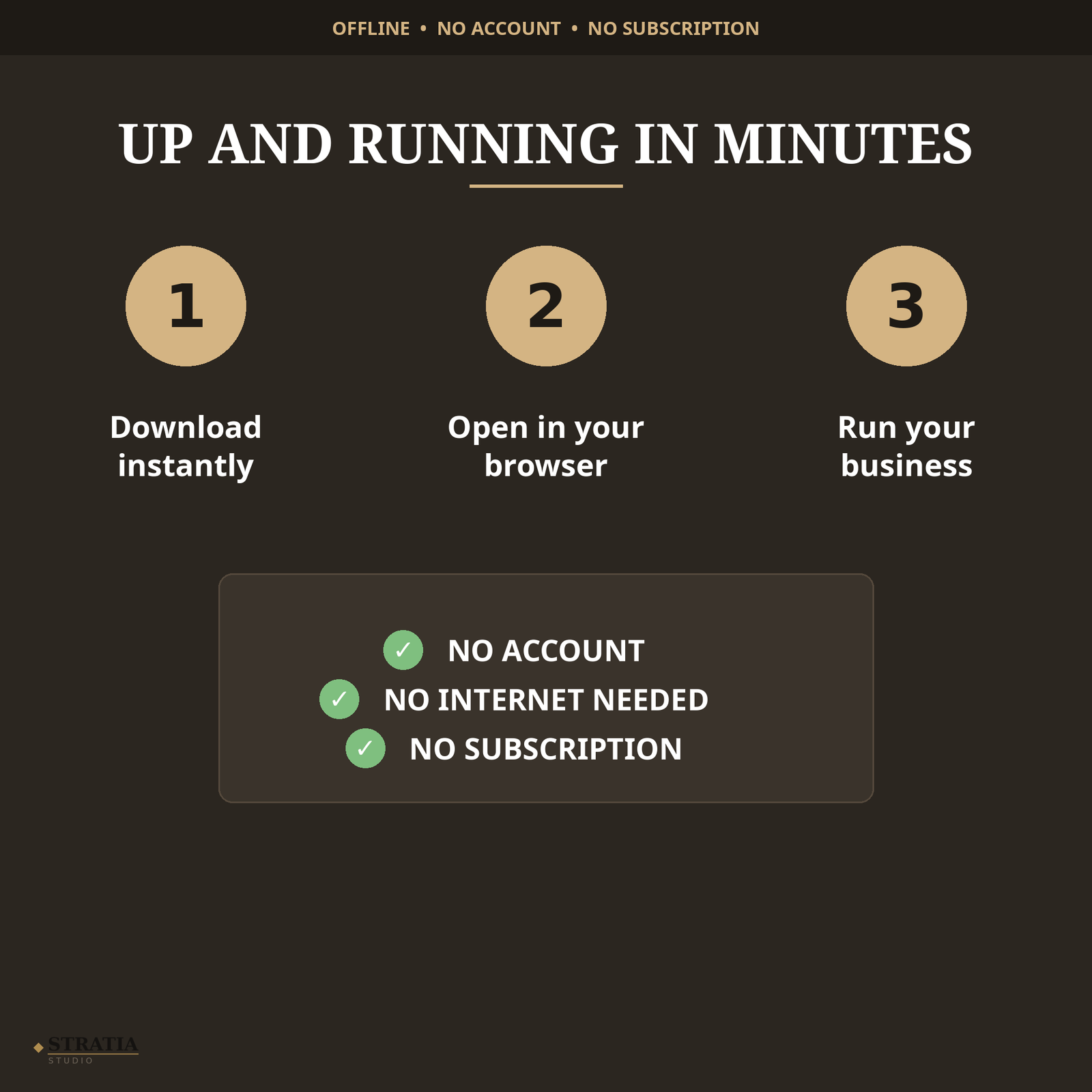
HOW IT WORKS: Buy once, download instantly, open in your browser, and your apps are ready. Everything is saved on your device — nothing is uploaded anywhere, and there is nothing to install or subscribe to.
How to open:
On your computer:
1. Download the ZIP file and unzip it (double-click the ZIP on Mac, or right-click and choose “Extract All” on Windows).
2. Double-click index.html — the vault menu opens in your web browser (Chrome, Safari, Edge, or Firefox).
3. Click any app to open it. You can also open an app file directly (for example tradeflow-pro.html) — each app works fully on its own.
On your phone or tablet:
1. Unzip the file using your computer first, then send the files to your phone (email them to yourself, or use Google Drive / iCloud / AirDrop).
2. Tap index.html (or any app file) and open it with your browser — Chrome on Android, Safari on iPhone.
That’s it. No account to create, no app to install, no internet needed after download. Your entries are saved automatically on your own device.

Reviews
There are no reviews yet