
Description
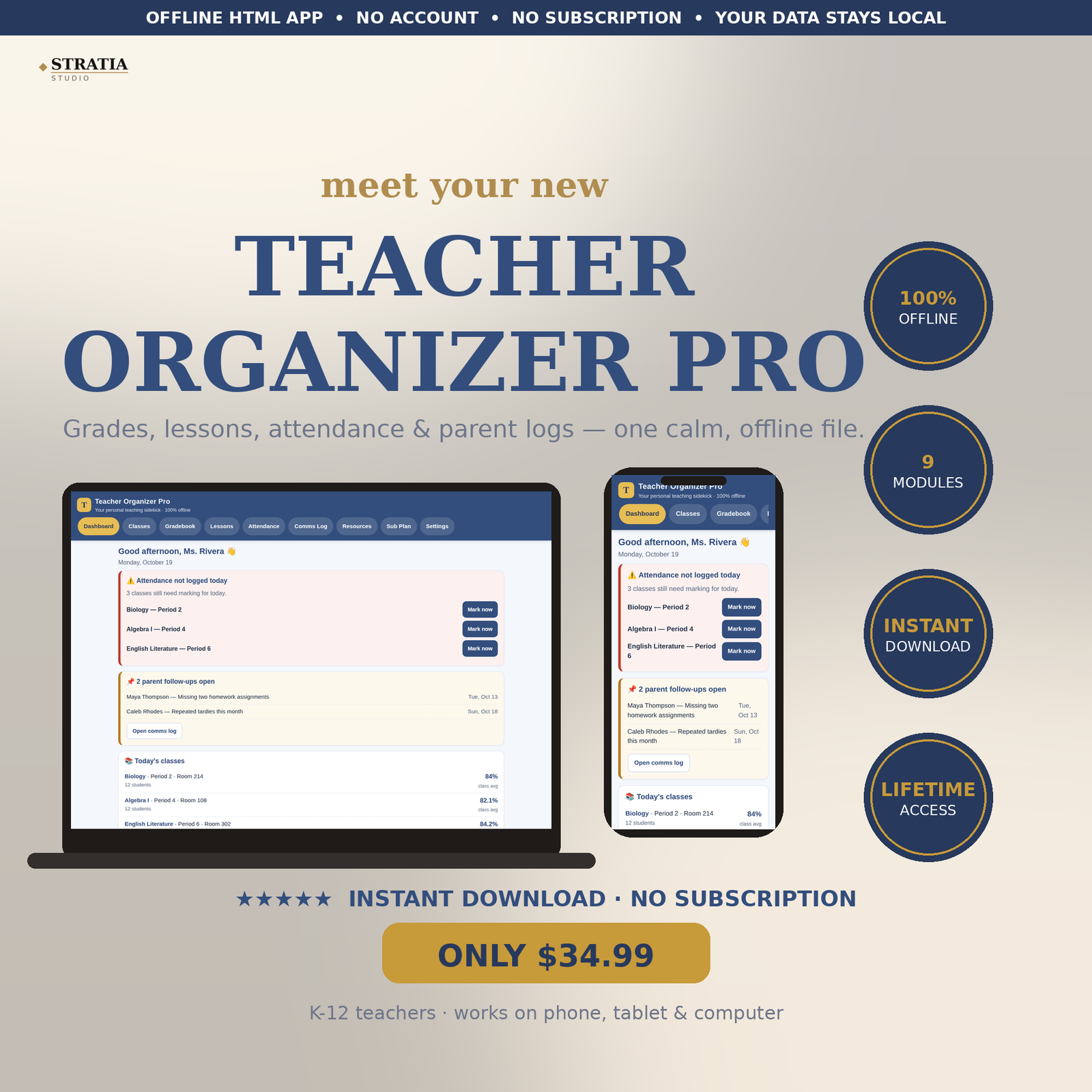
Teacher Organizer Pro — the all-in-one digital teacher planner that keeps your classes, grades, lesson plans, attendance, and parent communication in one offline file. Built for K-12 classroom teachers who are tired of juggling spreadsheets, paper planners, and sticky notes.
WHAT YOU GET
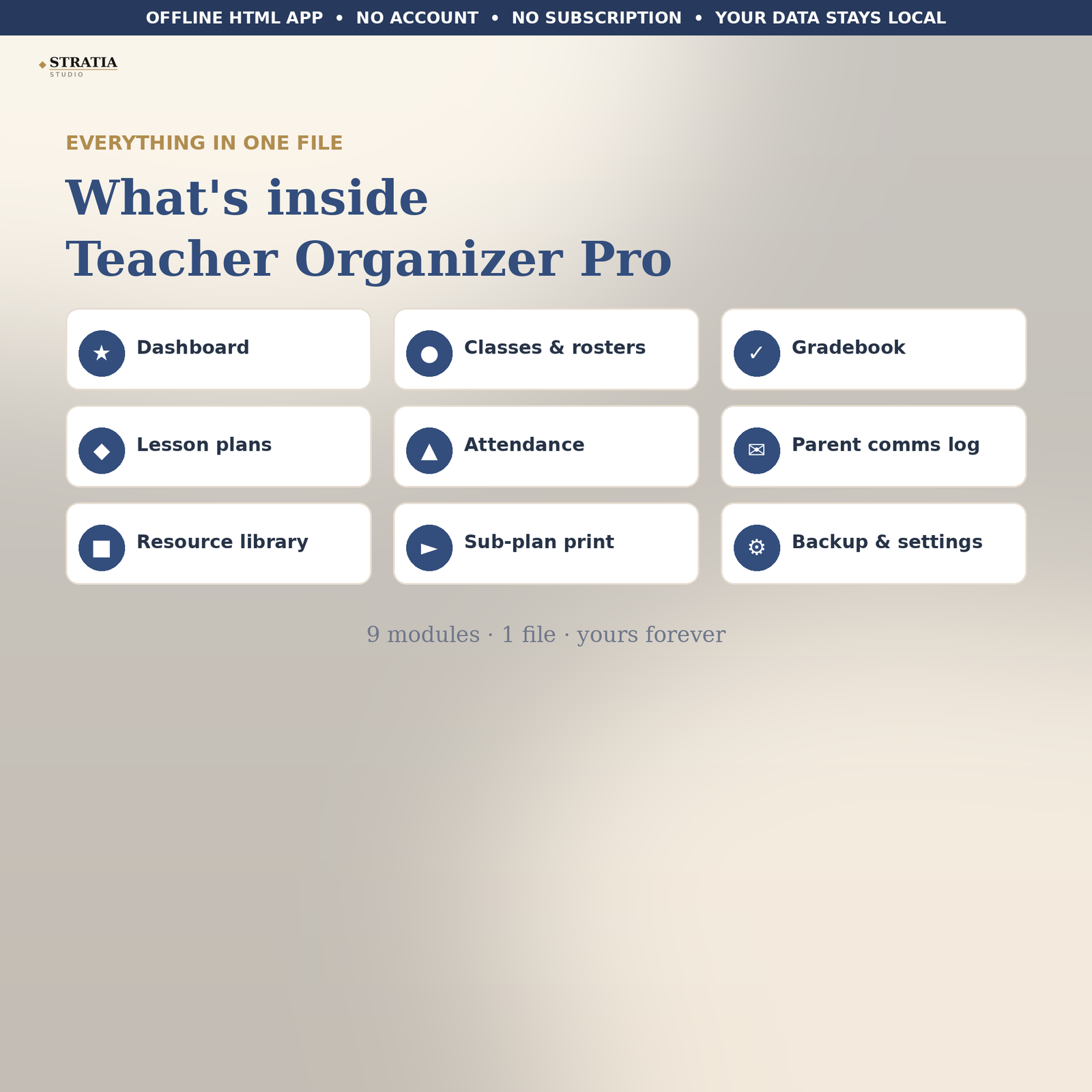
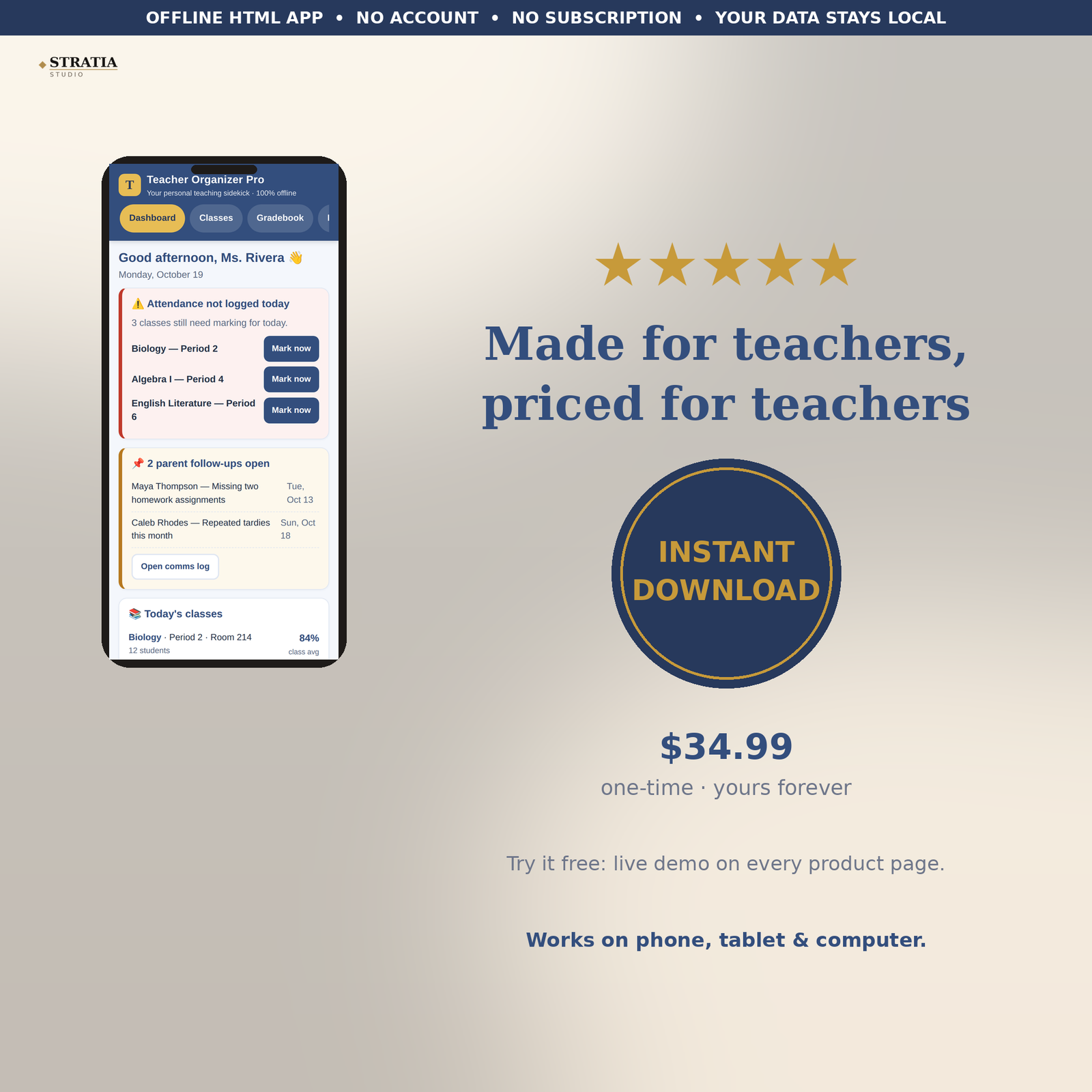
• Dashboard: today’s classes, this week’s lesson status, unlogged-attendance alerts, and class averages at a glance
• Classes & rosters: unlimited class sections with period, room, and term; full student rosters with add, edit, and delete
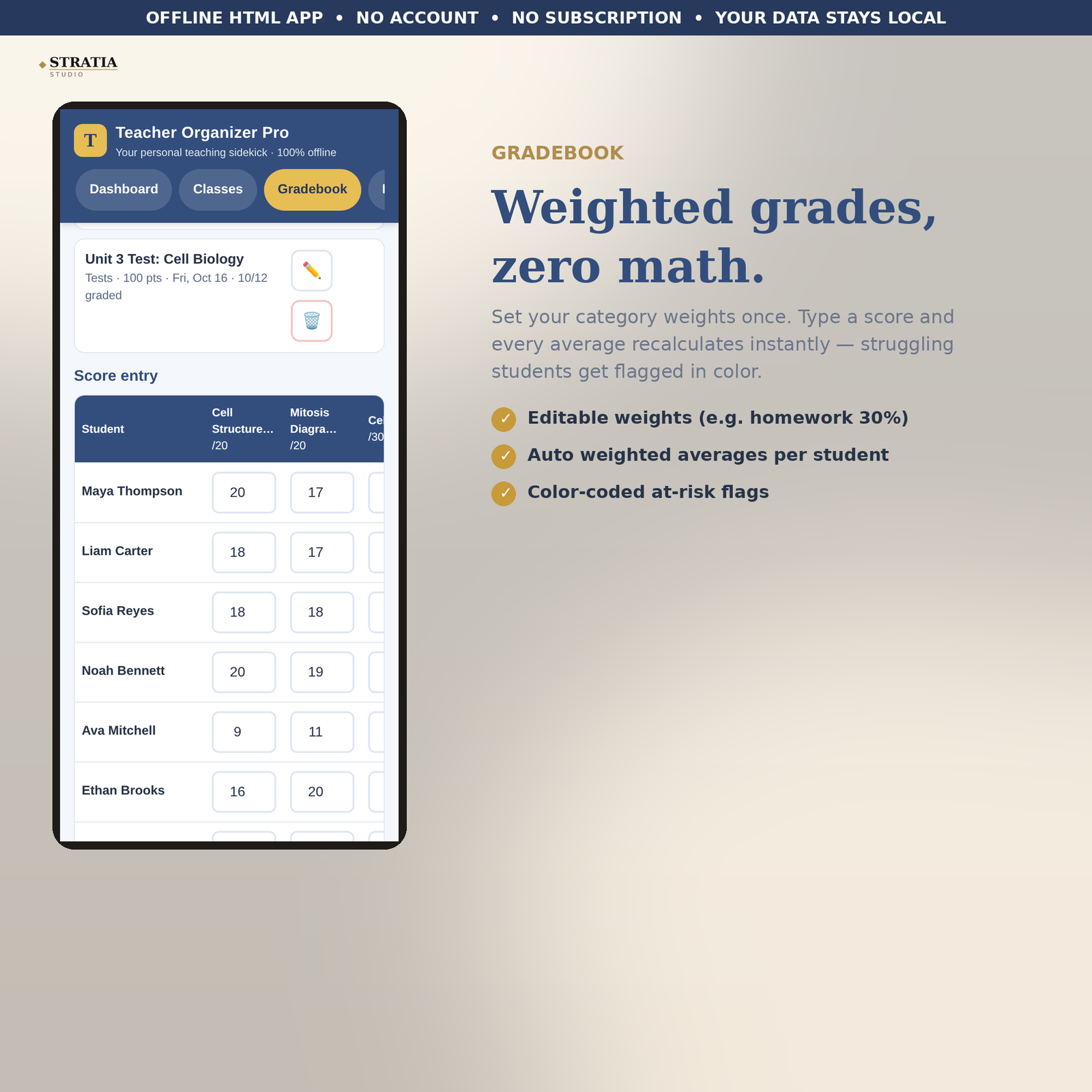
• Gradebook: weighted categories you control (homework 30%, quizzes 20%, tests 50% — fully editable), fast score entry, automatic weighted averages, and color-coded at-risk flags so struggling students stand out early
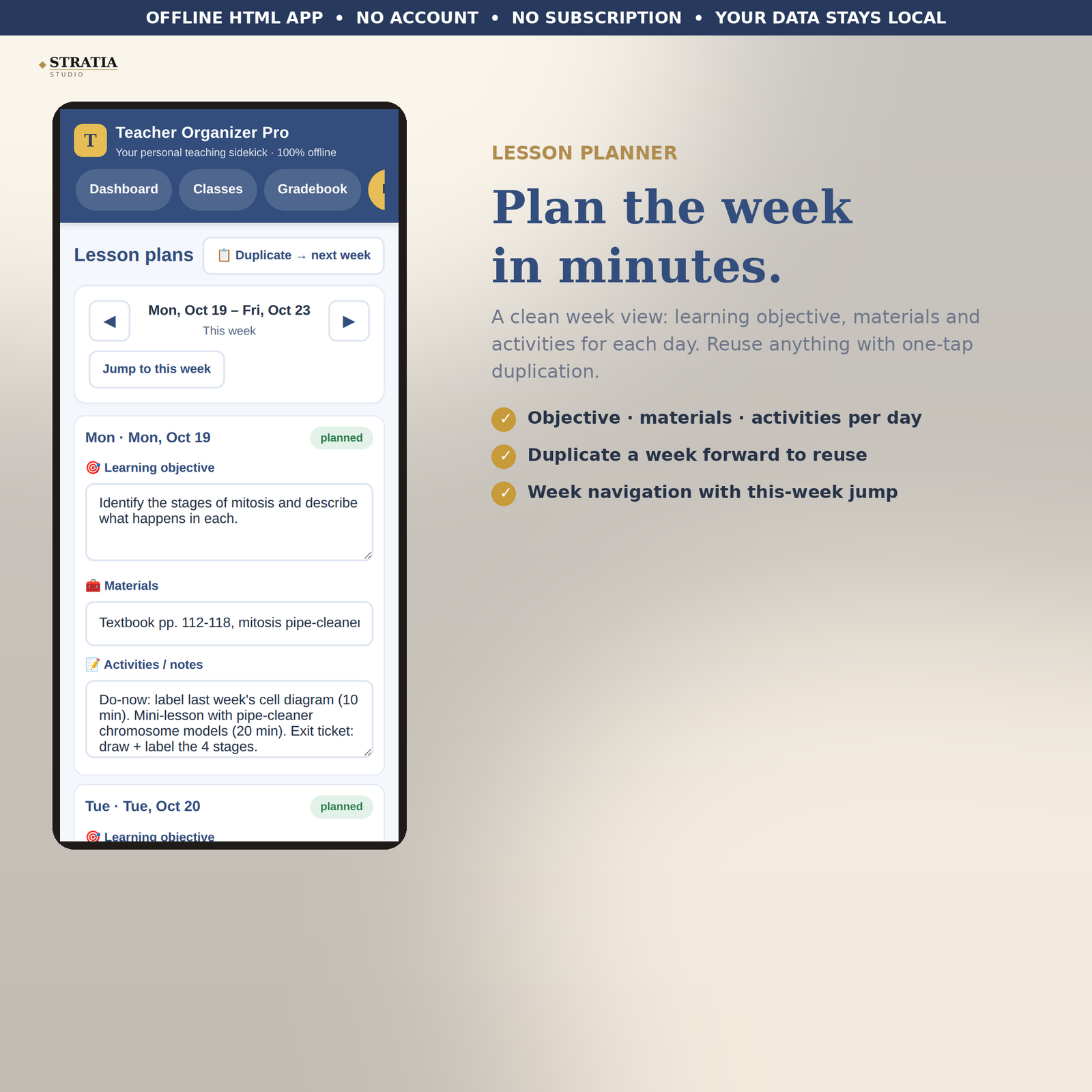
• Lesson plans: week-view planner with learning objective, materials, and activities per day — duplicate any week forward to reuse it
• Attendance: quick daily marking (present / absent / tardy) with one-tap bulk marking and a monthly attendance summary per student
• Parent communication log: date, student, contact method, topic, outcome, and follow-up flags that surface on your dashboard until resolved
• Resource library: organize links, videos, printables, and activity ideas by unit, and mark what’s already been used in class
• Sub-plan page: a clean, print-ready page with your daily schedule, full class roster, emergency notes, and notes for the substitute teacher
• Settings: one-click JSON backup export and import, plus a start-fresh reset for the new school year
HOW IT WORKS
This is a single HTML file — not an app-store app and not a subscription. Download it once, open it in any browser on your phone, tablet, or computer, and it works fully offline. Your data is saved on your own device; nothing is uploaded anywhere. Add it to your phone’s home screen and it opens like an app.
PLEASE NOTE
Teacher Organizer Pro is your personal organization system. If your district requires official grading or attendance software, keep using it — this organizer is the personal sidekick that keeps everything else (lesson plans, parent logs, resources, sub plans) in one calm place alongside it.
HOW TO OPEN
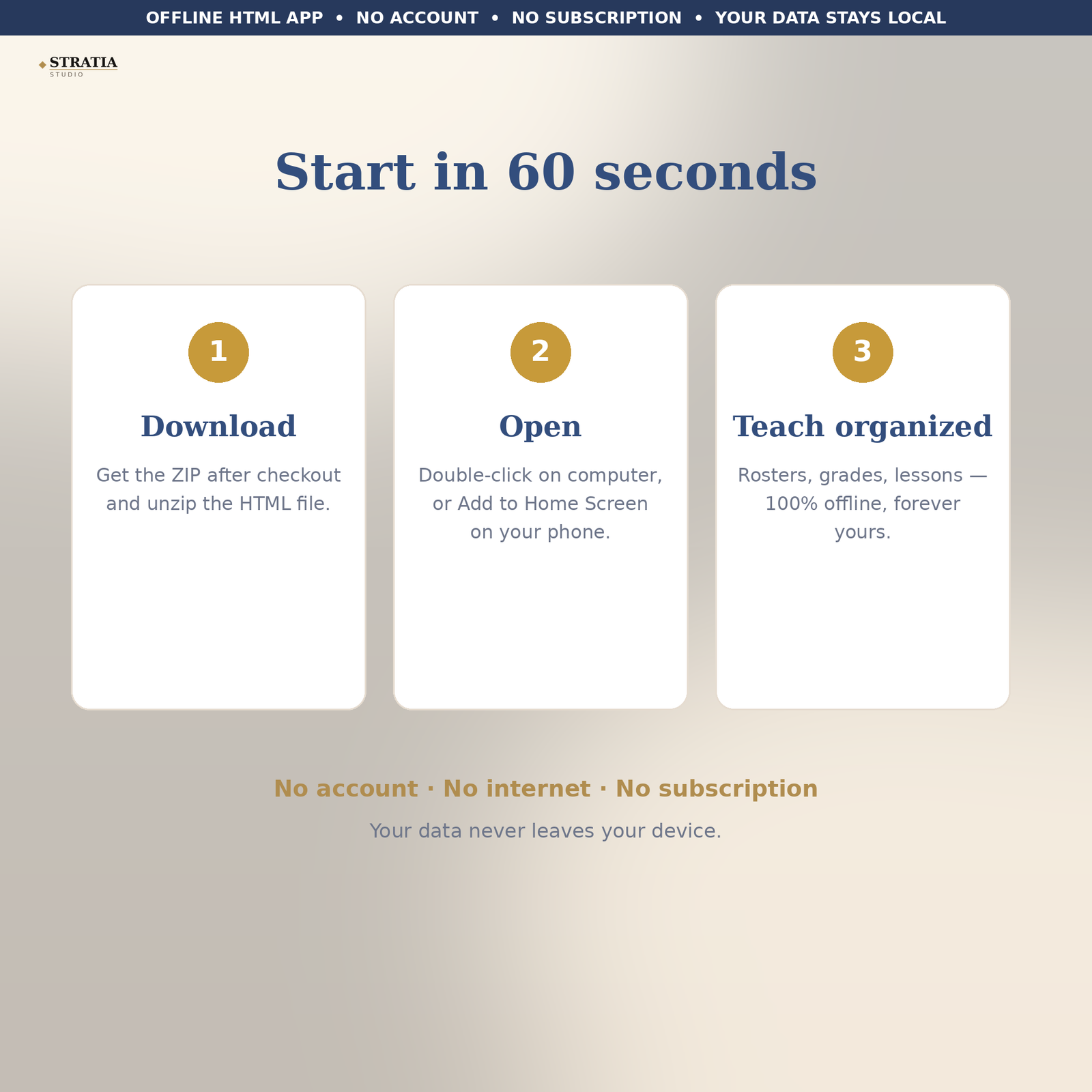
Your download is a ZIP file. Open (unzip) it first, then open the file named teacher-organizer-pro.html inside.
ON A COMPUTER (Windows or Mac): Double-click the unzipped teacher-organizer-pro.html file — it opens in your web browser (Chrome, Edge, Safari, or Firefox). Bookmark it or keep it in a folder you can find easily. No internet needed after the first open.
ON A PHONE OR TABLET (iPhone or Android): Unzip the file using the Files app (iPhone) or your file manager (Android). Tap teacher-organizer-pro.html — it opens in your browser. For app-like access: in your browser menu, choose “Add to Home Screen.” It will open full-screen like a regular app from then on.
Your information is saved automatically on your own device. No account, no login, no internet connection required.
INSTANT DOWNLOAD — no shipping, no waiting. Open the file and start organizing your teaching life today.
Reviews
There are no reviews yet