


Description
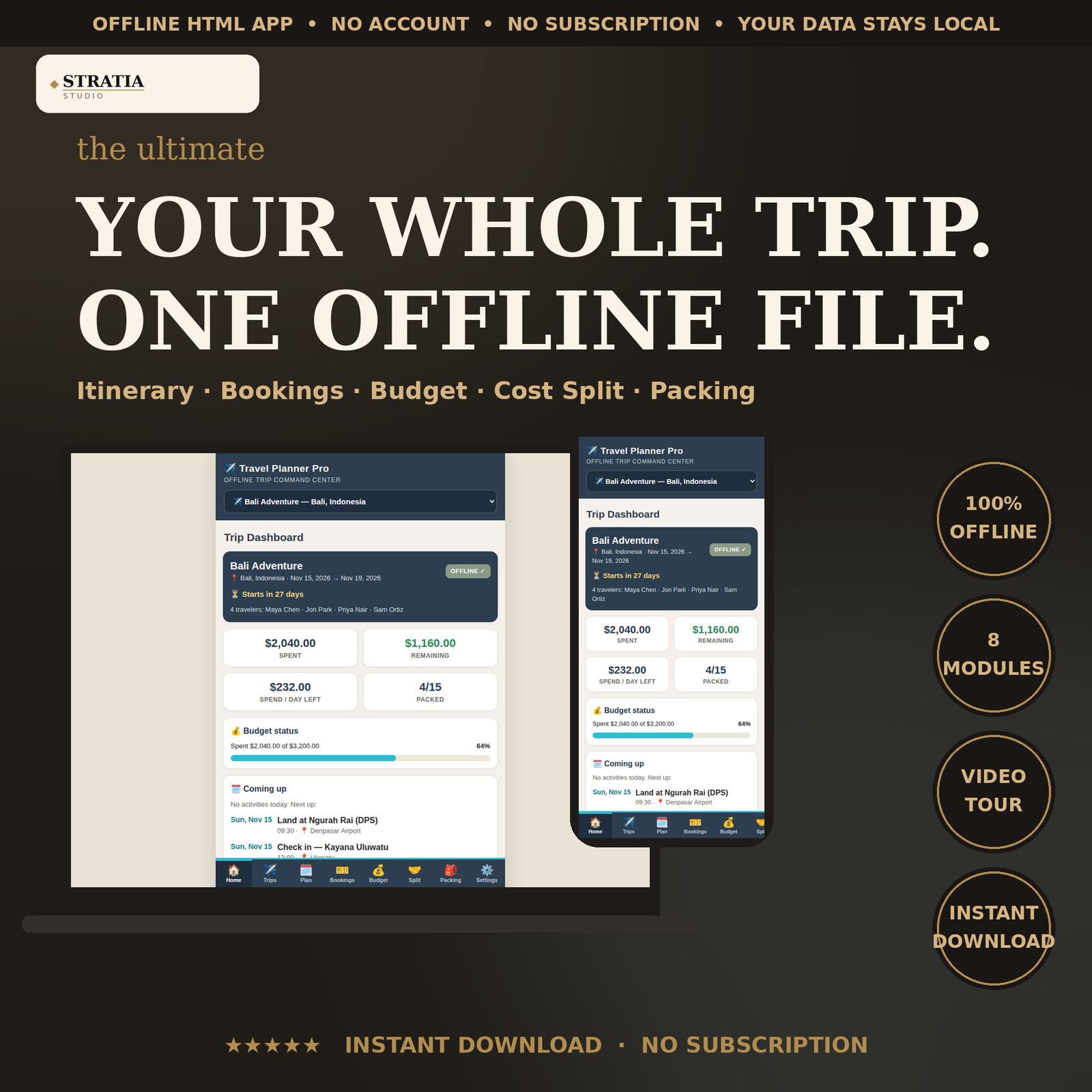
Travel Planner Pro is an offline trip planner app that keeps your entire trip in one HTML file on your phone: day-by-day itinerary builder, bookings vault for flights and hotels, trip budget tracker with spend-per-day math, group cost splitter with automatic settle-up, and reusable packing checklists. It works with zero internet, so your itinerary, confirmation numbers, and budget are available mid-trip with no roaming, no Wi-Fi, and no app to install.
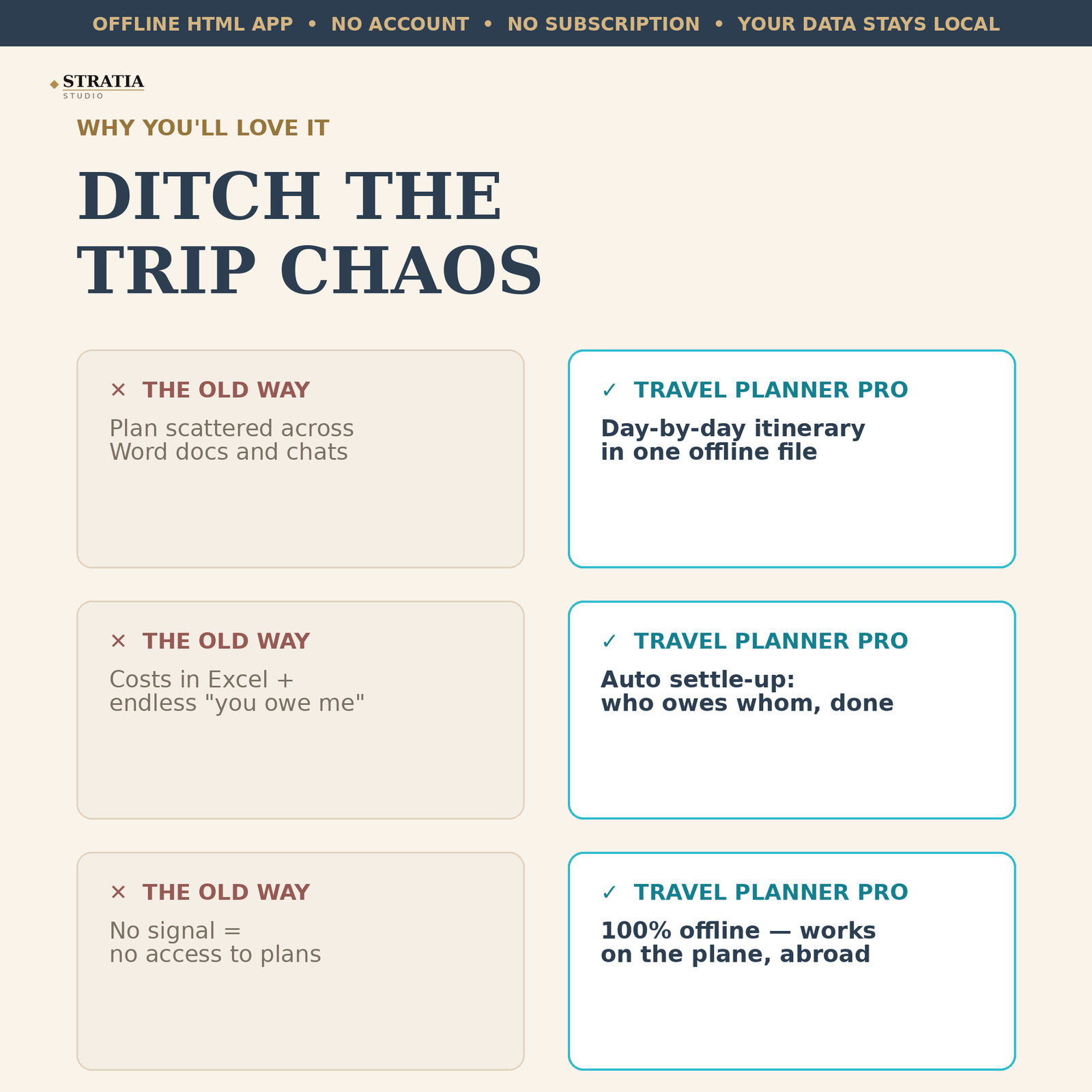
If you organize group trips, you know the drill: the plan lives in a Word doc, the costs live in Excel, and the hotel confirmation is buried in someone’s inbox. Travel Planner Pro replaces all of that. Build a time-ordered itinerary for every day of the trip, save every confirmation number in the bookings vault, log expenses by category against your total budget, split shared costs and see exactly who owes whom, and check off packing lists that you can reuse for the next trip. Everything saves automatically on your own device.
WHAT’S INCLUDED (8 modules in one file):
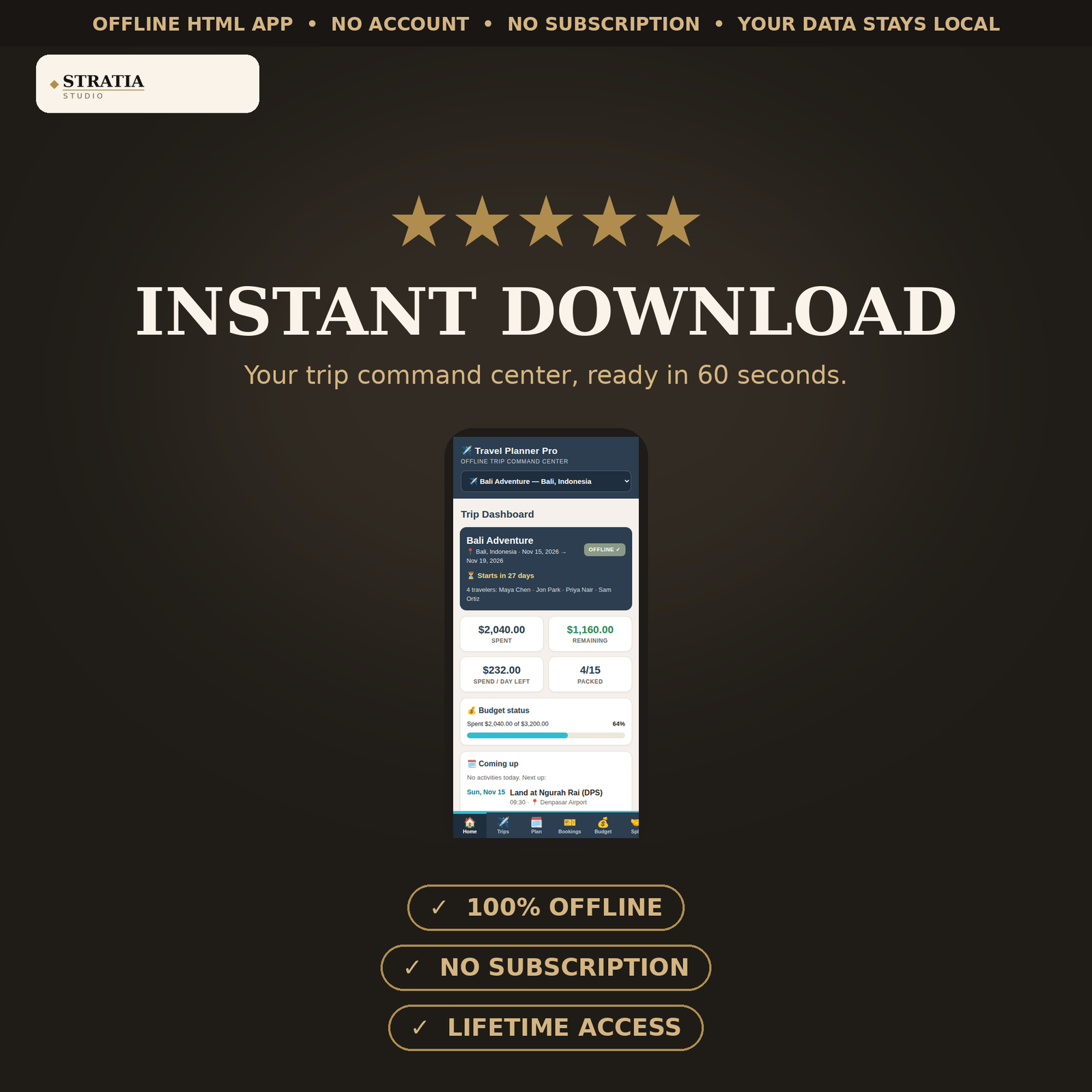
• Trip dashboard — live countdown, budget spent vs. remaining, spend-per-day-left, today’s itinerary
• Trip profiles — unlimited trips, each with dates, destination, and traveler names; switch anytime
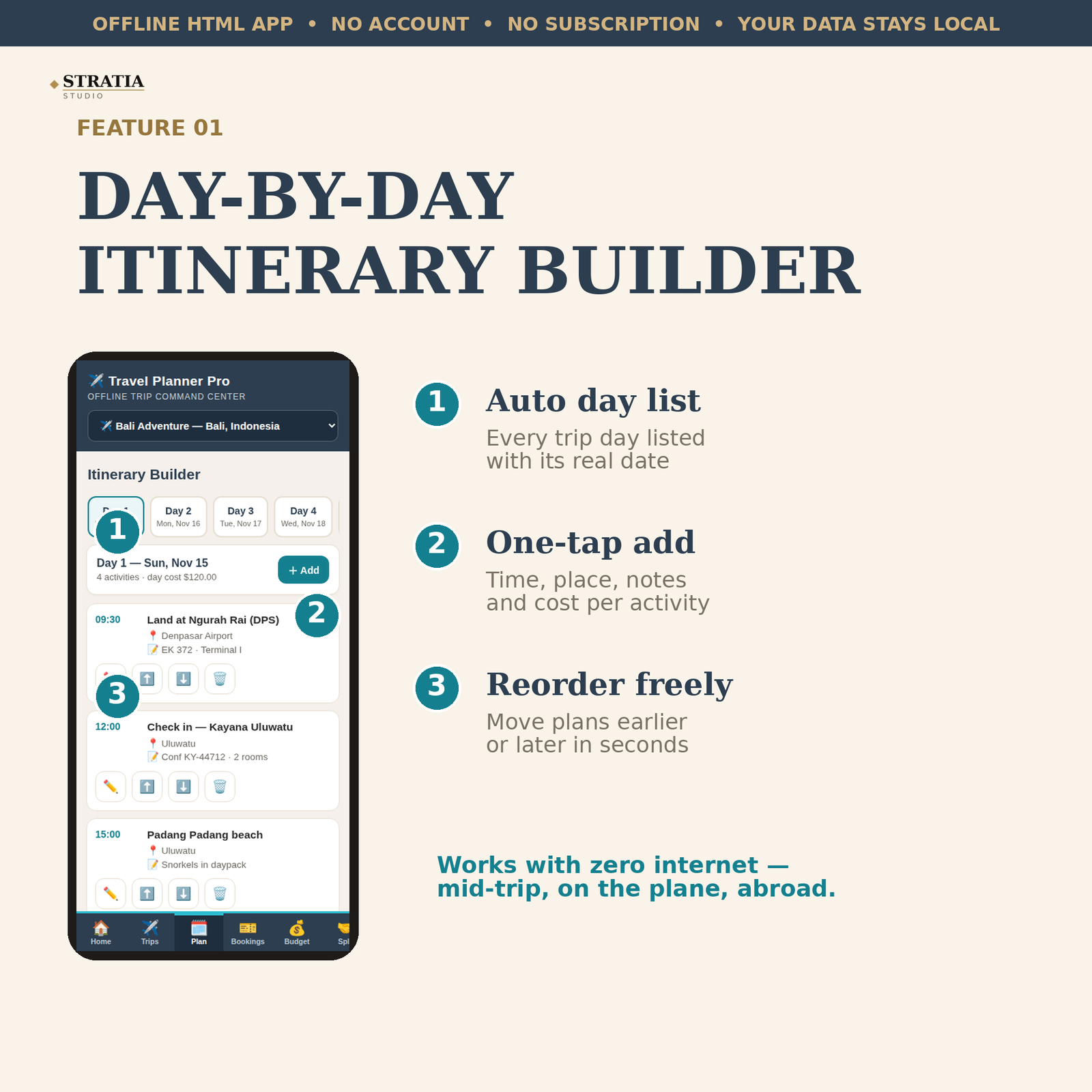
• Itinerary builder — day-by-day plan with time, title, location, notes, and cost; add, edit, reorder
• Bookings vault — flights, hotels, cars, tours with provider, confirmation number, dates, cost
• Trip budget — total budget, expenses by category (flights, stays, food, activities, transport, other), remaining and per-day-left auto-computed
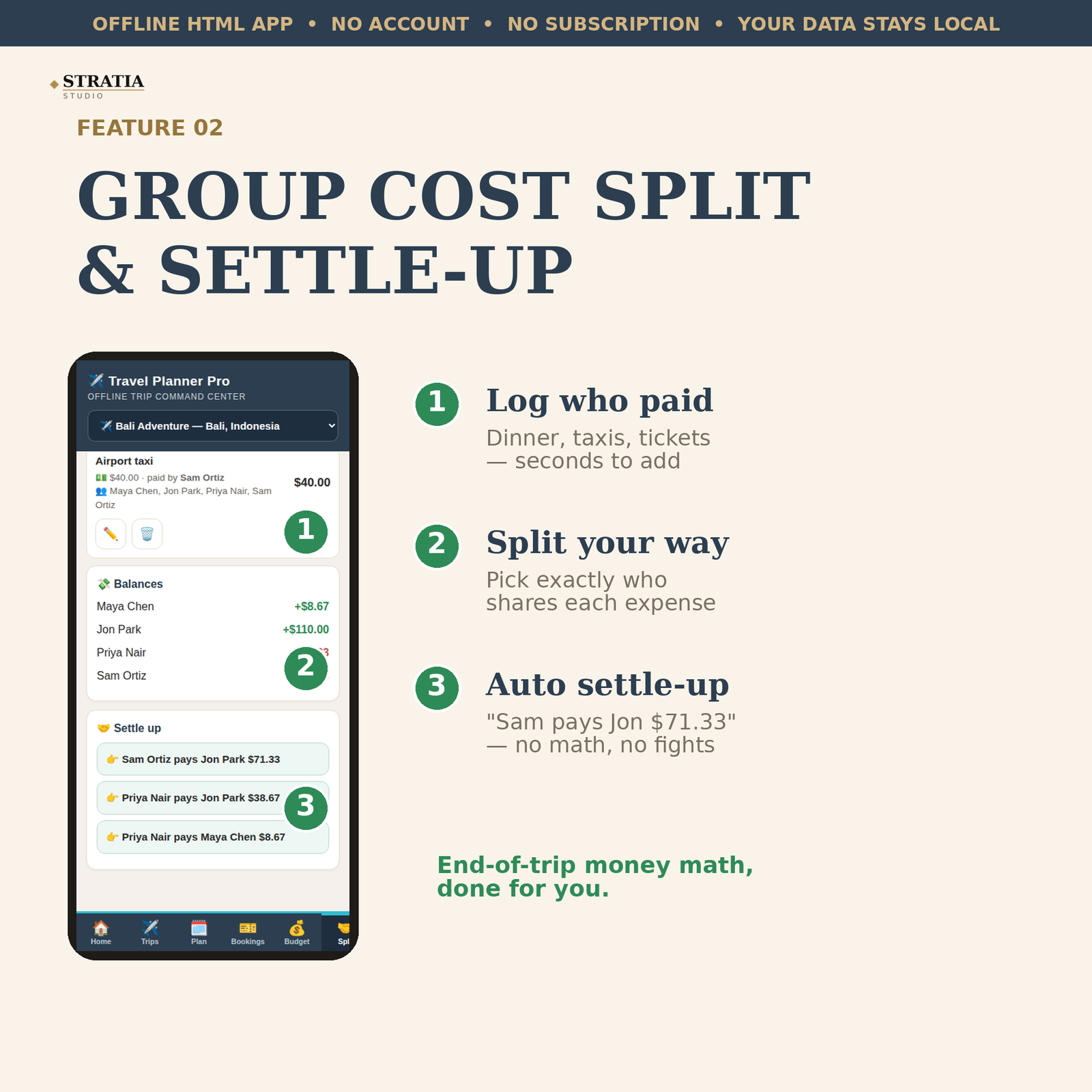
• Group cost split — log who paid, split among selected travelers, get a “who owes whom” settle-up list
• Packing checklists — reusable lists (beach, city, hiking templates included), per-trip copies, custom items
• Settings — JSON export/import backup, reset and start fresh
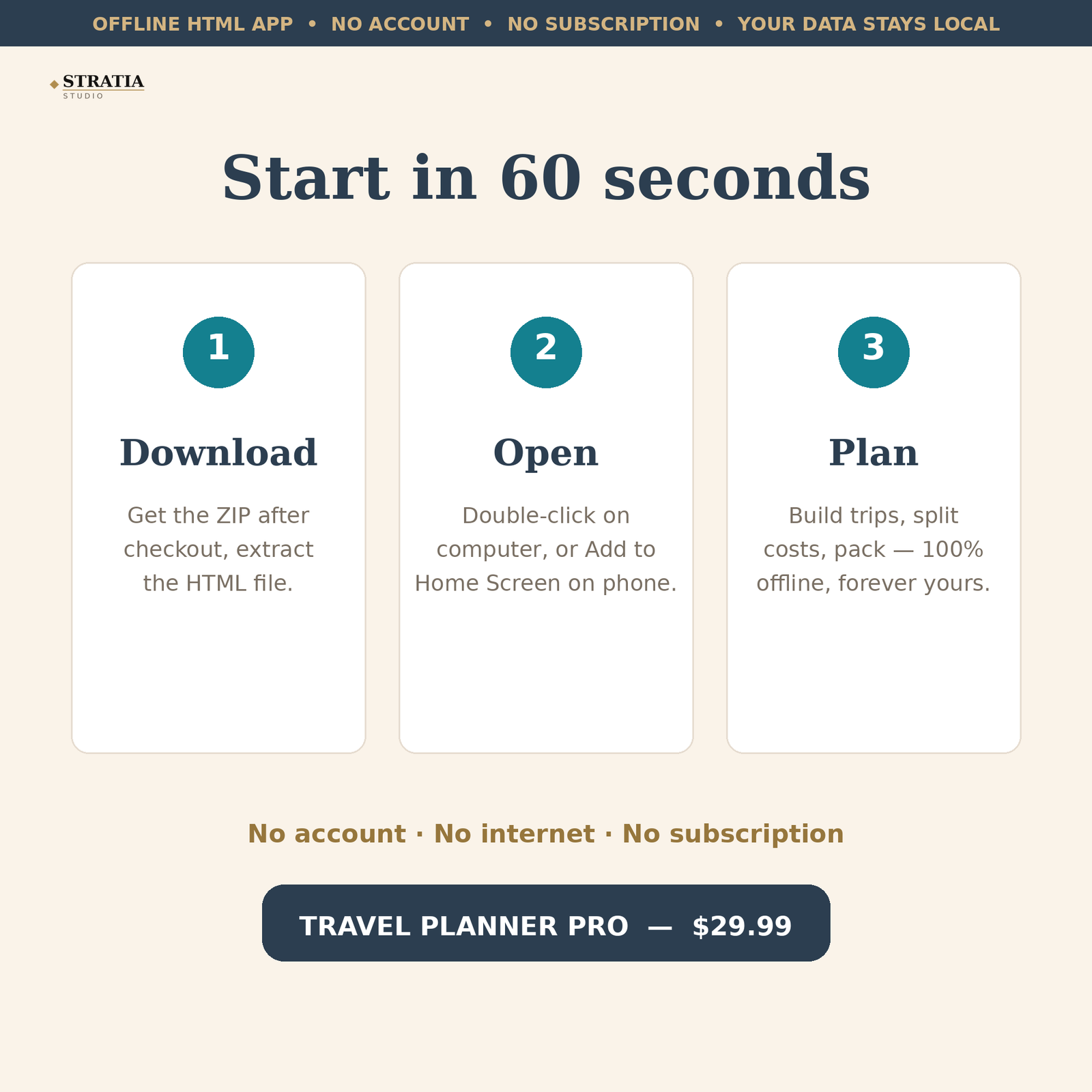
HOW IT WORKS: download the ZIP, open the HTML file in any browser on your phone or computer, and start planning. No account, no login, no subscription, no internet required after download. Your data is stored only on your device. A 3-step welcome tour shows you around on first open, and a sample 5-day Bali group trip is preloaded so you can see every feature working immediately.
This is a digital download — no physical item will be shipped. You get one HTML file that runs in any modern browser (Chrome, Safari, Edge, Firefox) on iOS, Android, Mac, and Windows. Because it is a single offline file, it also works on planes, abroad, and anywhere with no signal.
How to open:
Your download is a ZIP file containing one HTML file (travel-planner-pro.html). No app to install, no account needed.
On iPhone or Android: Open the ZIP with the Files app (iPhone) or your file manager (Android) and tap Extract. Then tap the HTML file — it opens in your browser and works like an app. Tip: in your browser menu choose “Add to Home Screen” for a one-tap icon. It works fully offline, so it keeps working on the plane and abroad with no roaming.
On computer (Mac or Windows): Double-click the ZIP to extract it, then double-click the HTML file. It opens in Chrome, Safari, Edge, or Firefox. You can also bookmark it for quick access.
Your plans save automatically on the device you use. To move them to another device, use Settings → Export JSON on the old device and Import JSON on the new one.
Reviews
There are no reviews yet